


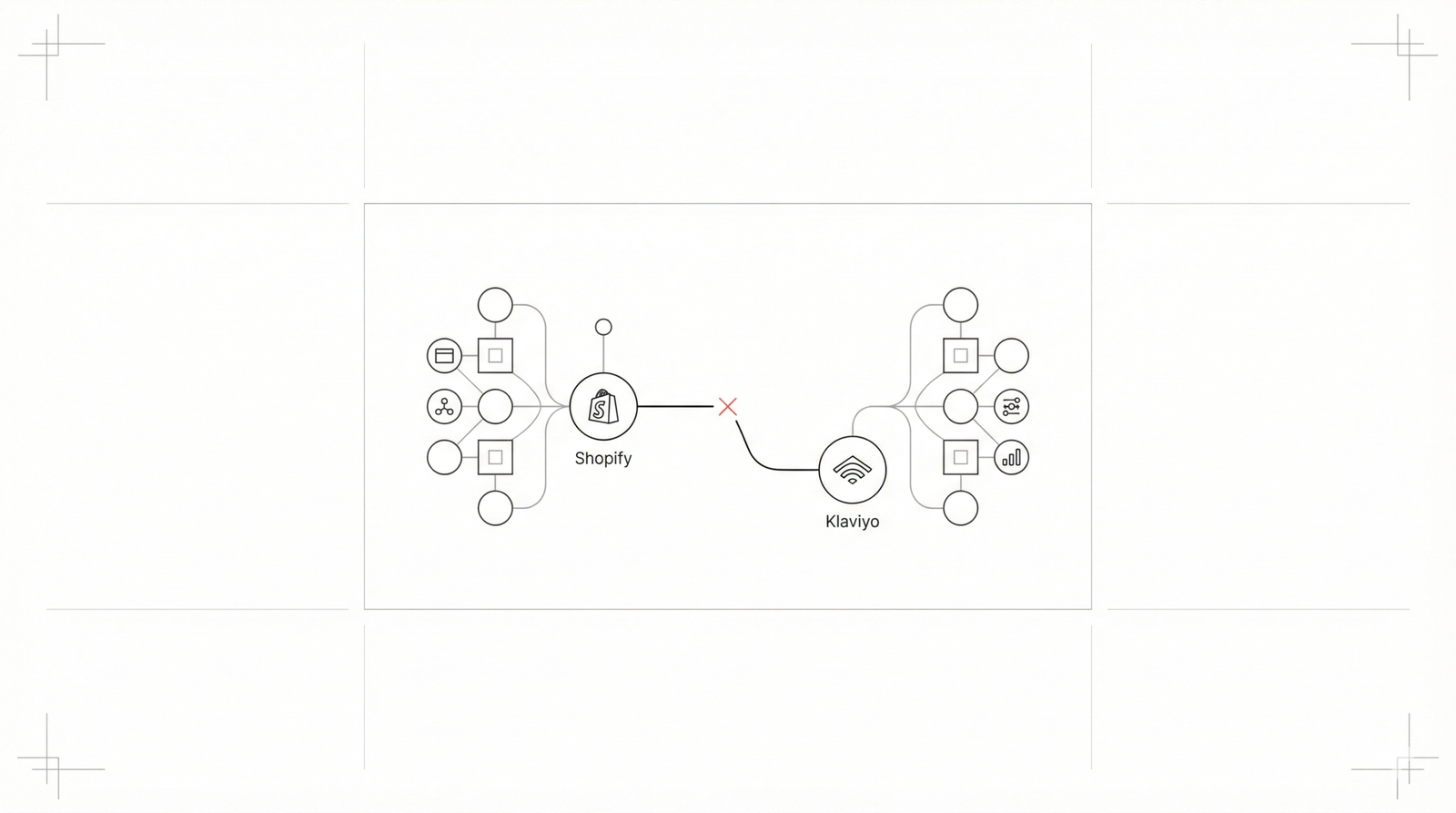
This document provides a comprehensive 2026 update for troubleshooting and resolving issues with the 'Active on Site' event not firing in Klaviyo. As Shopify's App Embed architectures evolve, maintaining accurate tracking requires modern solutions. This event is crucial for marketing automation, customer segmentation, and engagement tracking.
Symptoms of the "Active on Site" Event Not Firing
Absence of Event Data: No "Active on Site" events appear in individual Klaviyo profiles' activity feeds.
Dormant Flows: Klaviyo flows triggered by this event (e.g., browse abandonment, welcome series for anonymous visitors) do not activate.
Inaccurate Segments: Customer segments based on website activity (e.g., "Visited Site in Last X Days") are underpopulated or stagnant.
Decreased Metrics: A noticeable drop in tracked website activity is visible in Klaviyo's Live View, Analytics, and Dashboard.
Client-Side Debugging Indicators:
Absence of Klaviyo's __kla or _learnq JavaScript objects in the browser console.
Missing network requests to track.klaviyo.com or a.klaviyo.com for identify or track events upon page load.
A high percentage of unidentified visitors in Klaviyo, even for returning users.
Root Causes of the "Active on Site" Event Failure
The primary causes typically involve misconfigurations in Klaviyo's JavaScript snippet, conflicts with the Shopify theme or other apps, or incorrect Consent Management Platform (CMP) integration.
Klaviyo JavaScript Snippet Integration Flaws
Missing or Incorrect Placement: The core Klaviyo tracking snippet may be absent from theme.liquid or placed incorrectly (e.g., after the </body> tag).
Invalid company_id: An incorrect Public API Key (company_id) prevents events from reaching the correct account.
JavaScript Syntax Errors: Manual edits to theme.liquid can introduce errors that prevent the snippet from executing.
Script Conflicts: Other scripts on the store might clash with Klaviyo's global variables.
Asynchronous Loading Interference: The snippet's asynchronous loading can be disrupted by other scripts or browser extensions.
Shopify Theme and App Conflicts
Third-Party App Interference: Apps focused on optimization, page building, or pop-ups can inject JavaScript that blocks, removes, or conflicts with the Klaviyo snippet.
Theme Customizations: Significant theme customizations, especially those involving dynamic content or Single-Page Application (SPA)-like navigation, might fail to re-initialize or load the Klaviyo snippet on subsequent views.
Content Security Policy (CSP): A restrictive CSP can block necessary requests to Klaviyo domains (static.klaviyo.com, track.klaviyo.com, a.klaviyo.com).
Consent Management Platforms (CMPs) and Privacy Regulations
Incorrect CMP Integration: The CMP might block the Klaviyo snippet's execution, even after consent is granted, or fail to correctly pass the consent state to Klaviyo.
Faulty Consent Mechanism: The consent mechanism might not accurately capture or persist consent across sessions or pages.
Cache and Deployment Hiccups
Stale Caching:Shopify's internal caching or external CDNs can serve an outdated theme.liquid file, missing the correct Klaviyo snippet.
Incomplete Deployment: Changes including the Klaviyo snippet might not have been fully published or propagated to the live store.
Headless Commerce Integration Challenges
Manual Integration Required:Headless Shopify setups lack automatic snippet inclusion and require explicit, correct manual integration within the client-side application (e.g., React, Vue, Next.js).
Oversights in Wiring: Misconfiguration or incomplete implementation of identification logic (_learnq.push(['identify', {...}]);) and event tracking is a frequent source of error.
Common Pitfalls in Troubleshooting
Blind Reinstallation: Uninstalling and reinstalling the Klaviyo Shopify app often fails to resolve underlying JavaScript, theme, or CMP issues.
Ignoring Developer Tools: Relying solely on Klaviyo's UI misses crucial client-side errors visible in browser consoles and network tabs.
Testing as Admin Only: Admin users may have different settings, cached content, or consent states, leading to inaccurate test results.
Ad-Hoc theme.liquid Edits: Direct, unversioned edits to theme.liquid increase the risk of introducing new errors and make rollbacks difficult.
Assuming GTM is a Fix: GTM is only effective if it's correctly installed, loaded, and configured, and if the Klaviyo tags within it are also faulty.
Attributing Solely to Ad Blockers: Ad blockers affect a subset of users; fundamental integration issues impact all users and should be addressed first.
Strategic Solutions for Reliable Klaviyo Tracking
Establish Comprehensive Monitoring and Alerting
Synthetic Monitoring:Use tools like New Relic Synthetics or Datadog Synthetics to periodically simulate user visits and verify Klaviyo snippet loading and event requests.
Event Volume Monitoring: Set up alerts within Klaviyo or connected analytics platforms for significant drops or anomalies in "Active on Site" event volume.
Standardize Snippet Deployment and Management
Leverage Google Tag Manager (GTM) to centralize tracking tags for version control and debugging.
<script>
  if (typeof _learnq === 'undefined') {
    var _learnq = _learnq || [];
    (function () {
      var b = document.createElement('script');
      b.type = 'text/javascript';
      b.async = true;
      b.src = 'https://static.klaviyo.com/onsite/js/klaviyo.js?company_id=YOUR_PUBLIC_API_KEY';
      var a = document.getElementsByTagName('script')[0];
      a.parentNode.insertBefore(b, a);
    })();
  }
</script>
Ensure Universal GTM Loading: Verify GTM is correctly installed and loads across the entire Shopify store.
CI/CD Integration: Integrate Klaviyo snippet deployment and validation into your CI/CD pipeline for theme updates.
Automated Tests: Use tools like Cypress or Playwright to assert snippet presence and functionality on critical pages post-deployment.
Theme Audit: Conduct a thorough audit of your Shopify theme's JavaScript and third-party app integrations to identify and resolve conflicts.
Fortify Consent Management Integration
Review and Re-architect: Meticulously review the integration between your CMP and Klaviyo, ensuring the snippet fires only when explicit consent is given.
Granular Consent Options: Implement options within your CMP to allow users to opt-in/out of specific tracking categories.
Headless Commerce - Dedicated Integration Strategy
Prioritize server-side tracking via the Klaviyo Track & Identify API to reduce client-side dependencies.
// Example of identifying a user in a headless setup:
_learnq.push(['identify', {
  $email: 'user@example.com',
  $first_name: 'John',
  $last_name: 'Doe'
}]);

// Example of tracking a custom event:
_learnq.push(['track', 'Product Viewed', {
  productId: '12345',
  productName: 'Example Product'
}]);
Regular Technical Audits and Review
Quarterly Audits: Schedule regular audits focusing on third-party integrations, JavaScript integrity, and CSP configurations.
Cross-Functional Reviews: Conduct reviews with marketing and development teams to validate data integrity.
The Business Cost of Untracked Site Activity
Reduced Marketing Automation Effectiveness: Core campaigns fail to trigger, leading to lost revenue.
Inaccurate Customer Data: Klaviyo profiles lack engagement history, impairing segmentation.
Diminished Klaviyo ROI: The platform's value is reduced due to unreliable data.
Loss of First-Party Data: Data siloing prevents insights for broader business intelligence.
Key Takeaways for Robust Klaviyo Tracking
Verify Klaviyo Snippet: Check placement and API Key validity.
Use Developer Tools: Leverage browser consoles for client-side debugging.
Address Conflicts: Watch for app and CSP conflicts.
Standardize with GTM: Use centralized, version-controlled deployment.
Implement Monitoring: Set up synthetic monitoring and volume alerts.
